
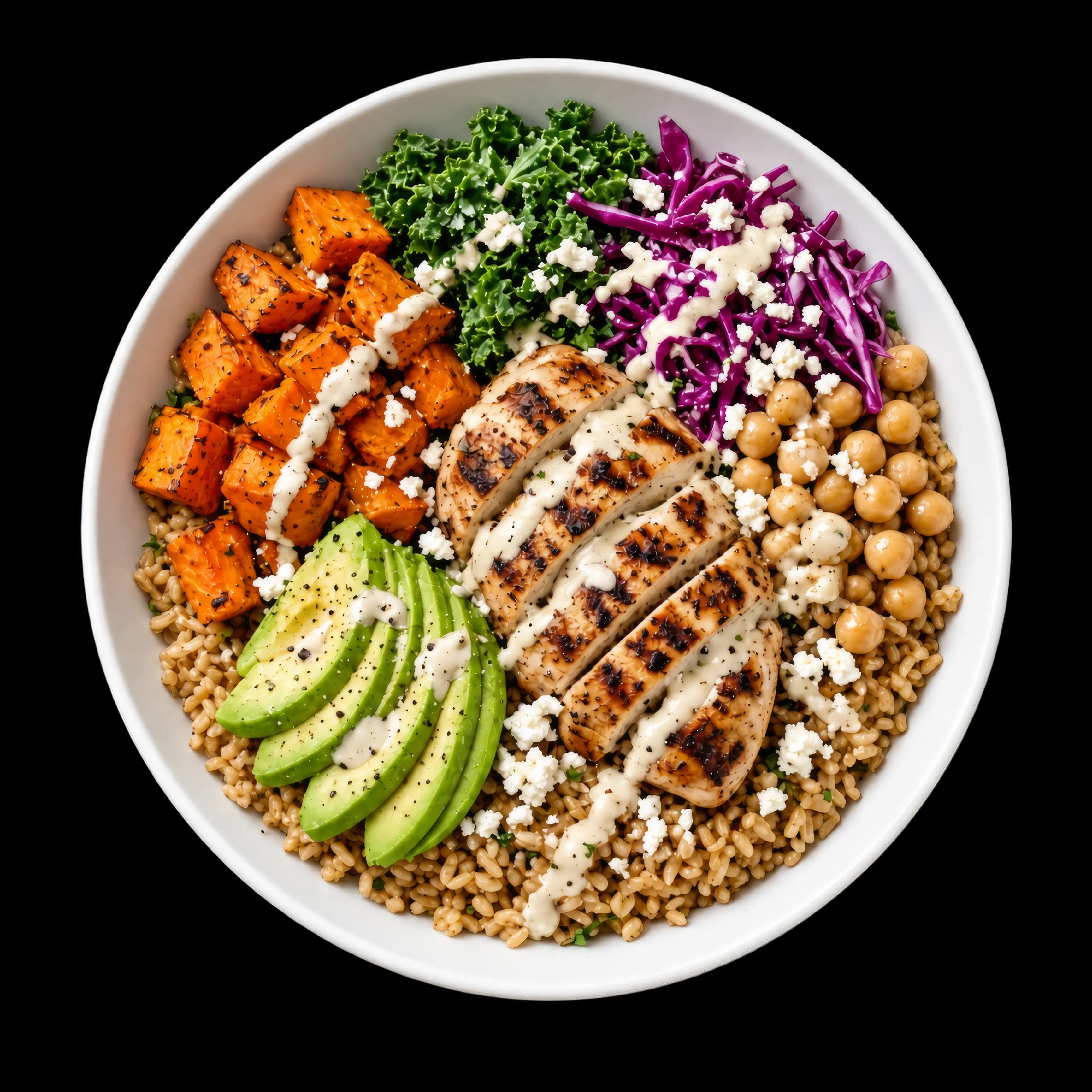
Harvest grain bowl
$13.5042g P540 cal
Menu nutrition & macro filters
Give guests calories, macros, dietary filters, and nutrition information directly inside your digital menu, including the impact of every modifier and add-on.
540
cal
Signature bowls
Restaurant menu macros that update with every ingredient
Every item on your digital menu carries calories, protein, carbs, and fat. When a guest customizes the item with modifiers, substitutions, or add-ons, the totals update instantly before checkout. Guests see exactly what they are ordering before they add it to their cart, which reduces hesitation for the cohort of buyers who otherwise close the tab looking for nutrition information.
Base
Protein
Toppings (up to 3)
Sauce
Live total
Updating660
cal
Protein
50g
Carbs
53g
Fat
29g
Your bowl
Grilled chicken · Herbed quinoa
2 toppings, chipotle crema
Values update instantly as guests customize. Same numbers appear on the ticket.
Modifier and add-on nutrition impact
Show guests how every modifier, substitution, and add-on changes calories and macros before they add the item to their cart. The kitchen ticket carries the same numbers so no one is surprised at pickup.
Item preview
Base recipe: quinoa, grilled chicken, greens
Cal
650
P
38g
C
60g
F
29g
Toggle a modifier to see how it changes what your guest sees at checkout. The kitchen ticket carries the same math.
Dietary menu filters guests actually use
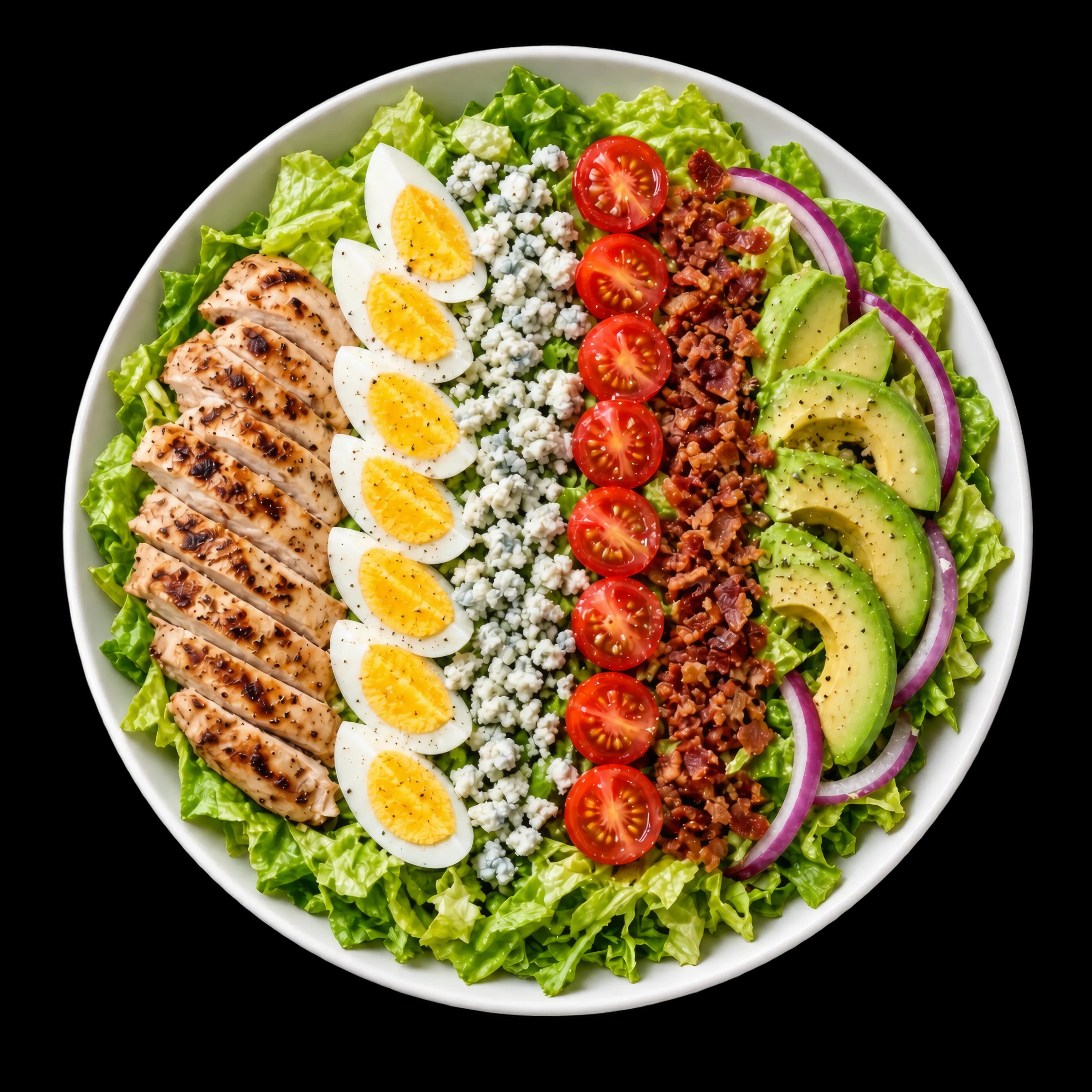
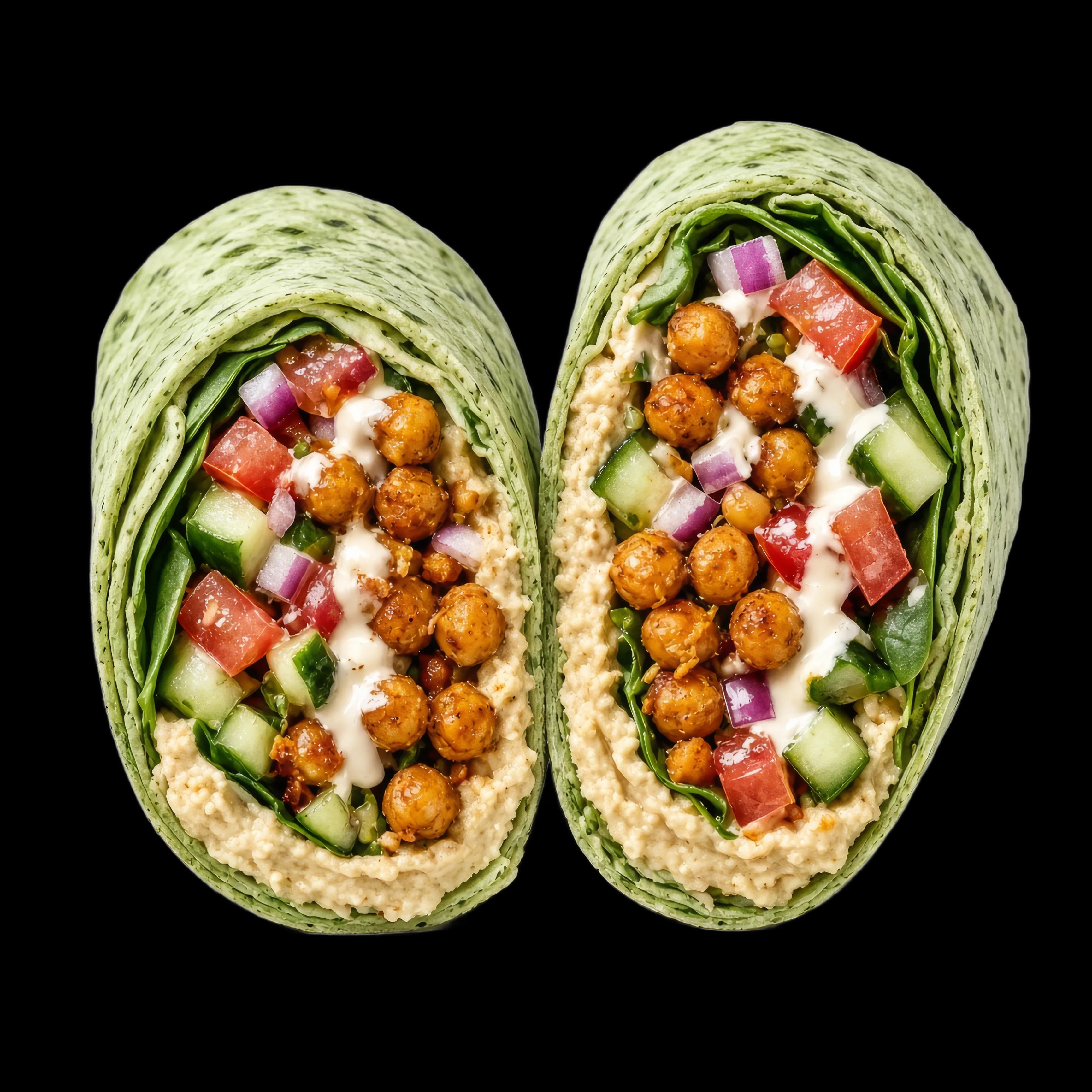
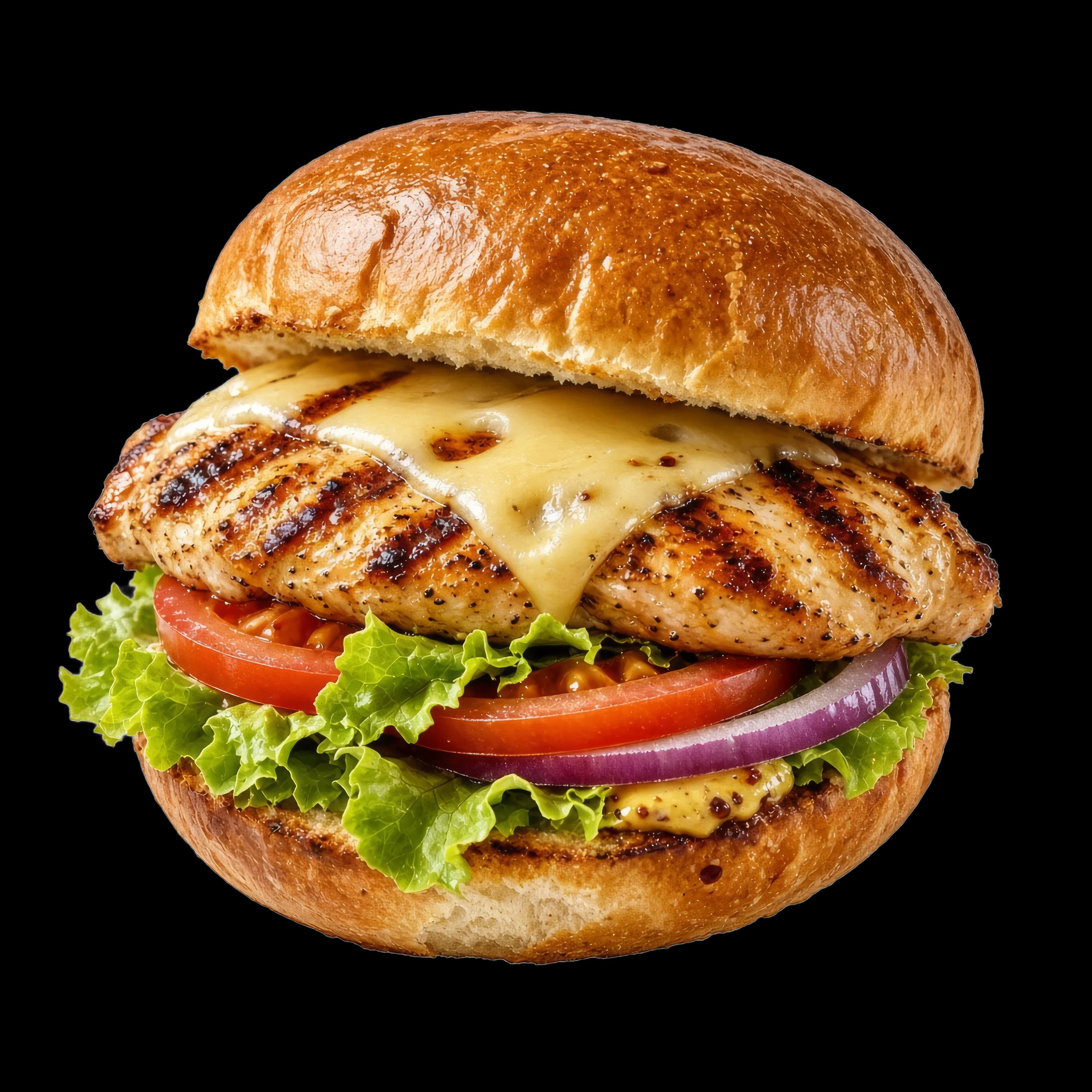
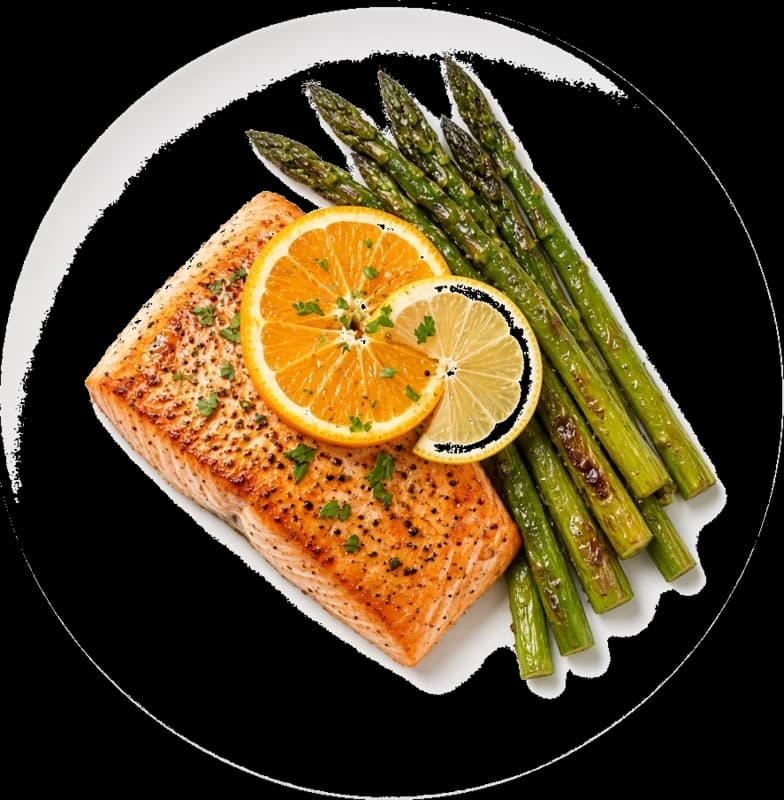
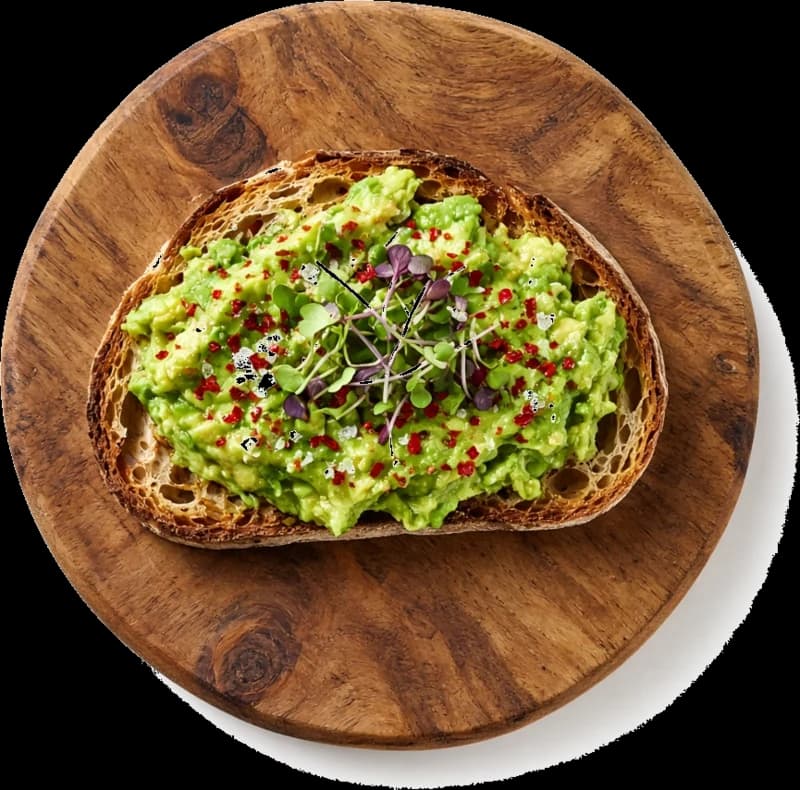
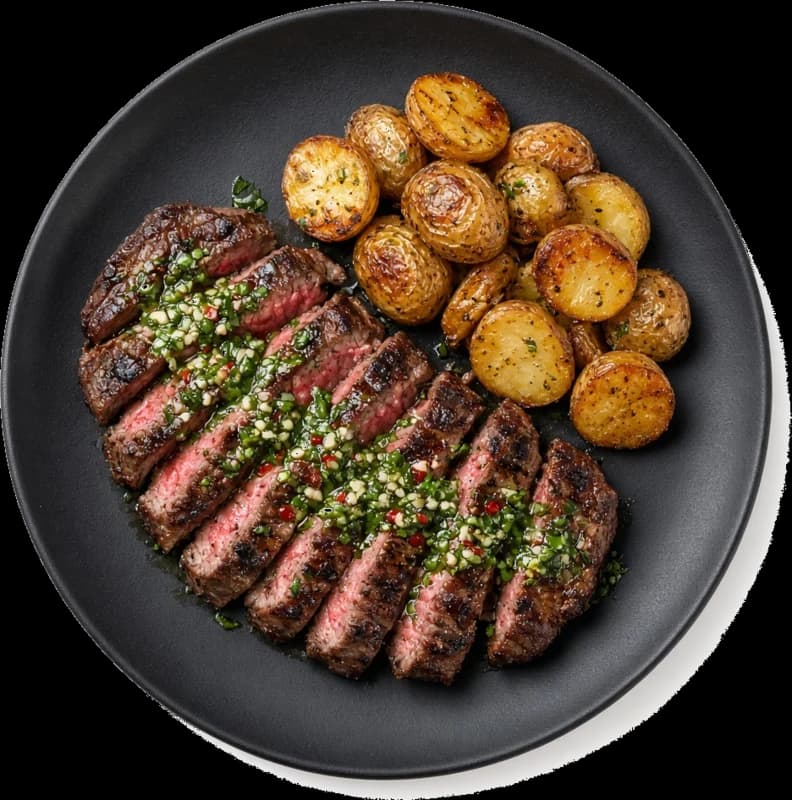
Guests filter your menu by high protein, under a calorie threshold, keto, gluten free, vegan, or dairy free with a single tap. Items that do not match fade back, so the guest sees a menu curated to how they eat. This turns a general audience into a targeted one, and it is the same pattern that keeps macro-tracking apps sticky.

Restaurant nutrition calculator built from your recipes
You do not need a nutritionist on staff. Enter recipe ingredients and quantities once, and Branded Bites pulls per-ingredient nutrition from USDA FoodData Central to auto-calculate the menu item plus every supported modifier. Chef overrides let you publish the value your team stands behind when a house recipe differs from the standard reference.
Recipe editor
Pulled from USDA FoodData Central. Editable per ingredient.
Auto-calc output
Computing590cal
Protein
49g
Carbs
40g
Fat
26g
Chef override
House quinoa is toasted in olive oil
Restaurant menu nutrition and labeling
Restaurants operating 20 or more locations that sell the same menu are required by FDA menu labeling rules to publish calorie counts and make full nutrition information available. Branded Bites helps restaurant teams manage and publish that information from an auditable data source, with per-item overrides your chef controls.
Data source
USDA FoodData Central
Editable
Per item + per modifier
Refreshed
Nightly + on recipe edit
Onboarding in three steps
Your onboarding manager handles the initial import. Ongoing edits happen in the same item editor your team already uses.
Upload from a spreadsheet, sync from your POS, or enter items with your onboarding manager.
Per-ingredient nutrition resolves against USDA FoodData Central. Chef reviews and overrides.
Macros go live on the ordering website, branded app, and kitchen tickets in one click.
Questions about menu nutrition & macro filters?
Book a DemoDirect online ordering
Own your ordering channel.
Give customers a direct way to order from your restaurant: via a branded website, a custom subdomain, or an ordering link you control. No marketplace fees, no third-party branding, no detour through someone else's app.
Branded mobile app
An app customers recognize as yours.
Your restaurant gets a mobile app on iOS and Android carrying your logo, colors, and menu. Customers can order, earn loyalty points, redeem rewards, view order history, and receive promotions, all inside your brand.
Analytics and owner dashboard
See what is actually driving direct revenue.
Track top items, repeat customer behavior, direct order growth, campaign attribution, and loyalty activity from one dashboard. Direct order data, campaign performance, and customer behavior in one place without manual exports.
Menu nutrition & macro filters
Book a demo to see live macros, dietary filters, modifier impacts, and recipe auto-calculation working with your actual menu.